IPTV SMARTERS PRO – Free app
How to upload your list
-
Open the app on your TV
-
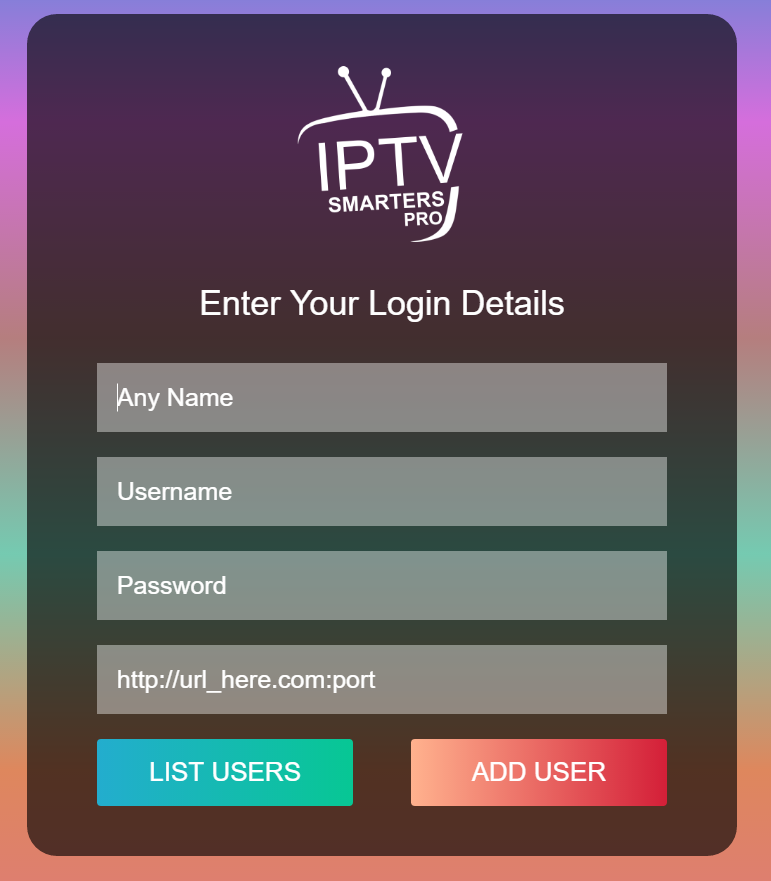
You will see 4 boxes to be filled:
-
Playlist name : IPTV Nords
-
Username : enter username which is provided to you
-
Password : enter password which is provided to you
-
URL : enter XTREAM URL which is provided to you. It ends with 8080 at the end
-
-
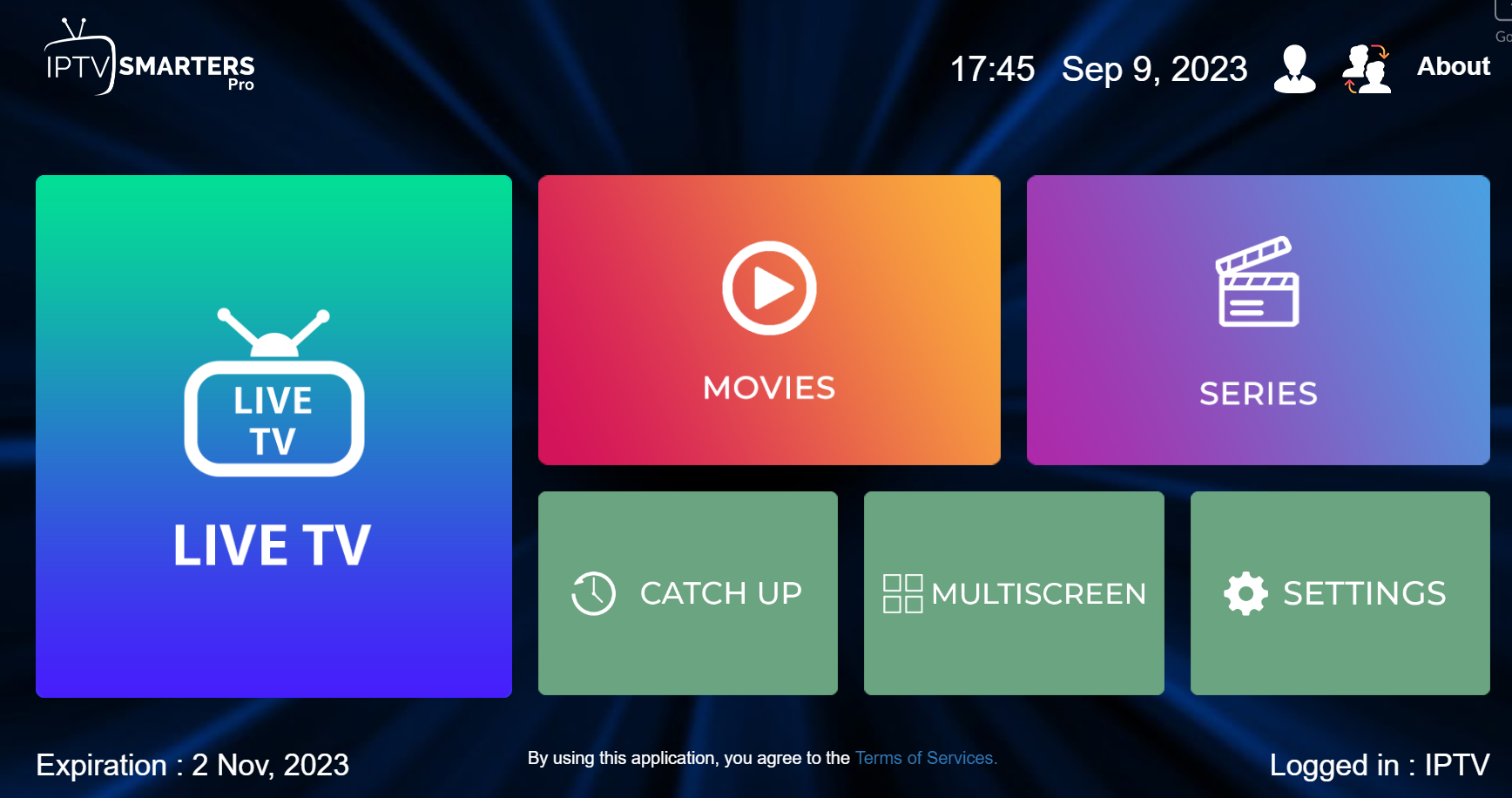
Click on ADD USER and it should open the main page with colored boxes
If you are getting INVALID USER / PASSWORD message please check again your entry. The data is key sensitive. If you are getting AUTHORIZATION FAILED message please contact our support for another URL